CONFIGURATION
Four modes.
One Media Library.
Choose the balance of local storage and cloud delivery that works with your existing WordPress stack.
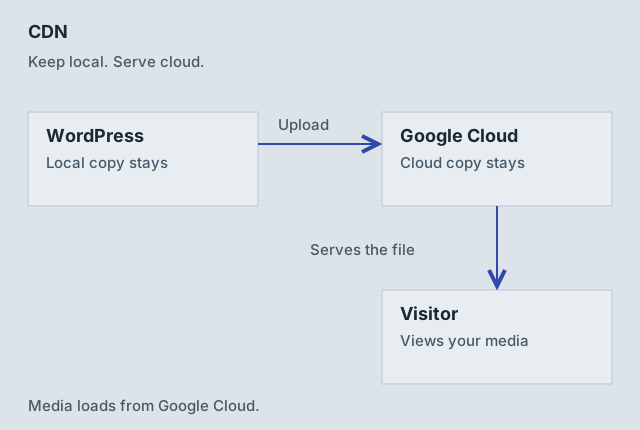
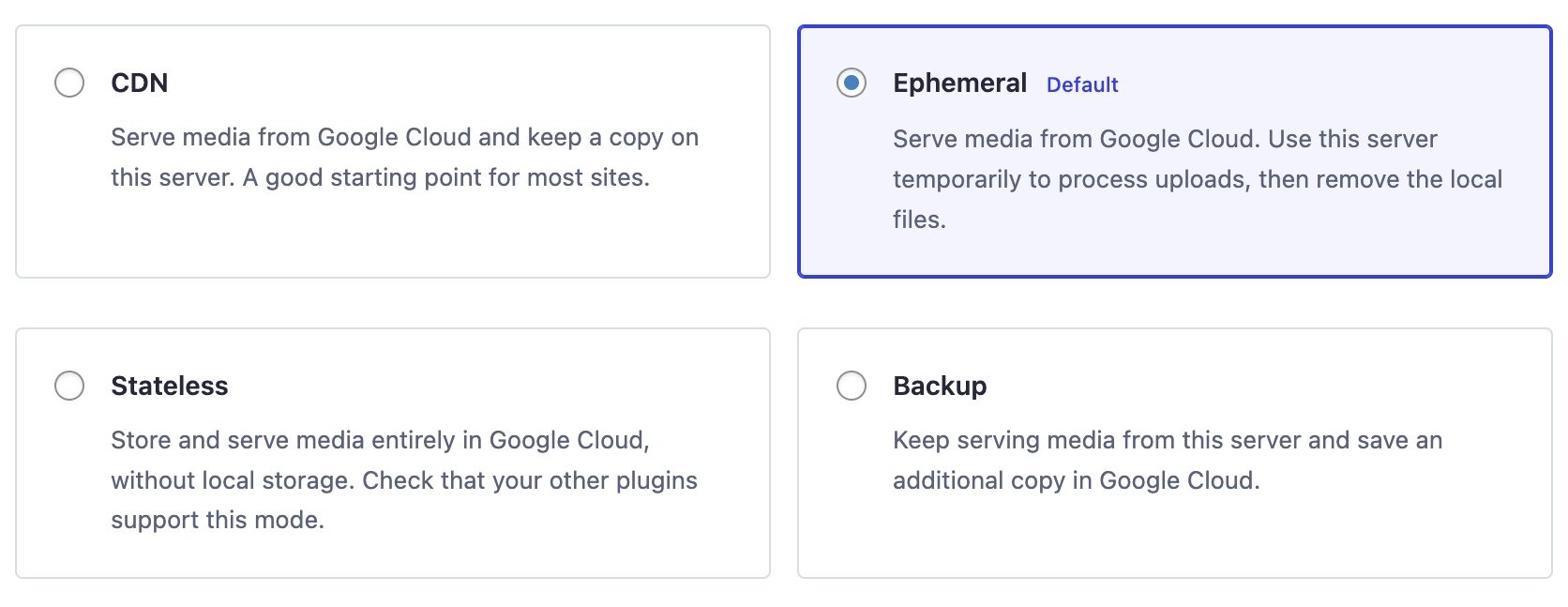
CDN
Serve media from Google Cloud and retain files on your WordPress server. A useful starting point when other plugins need local files.
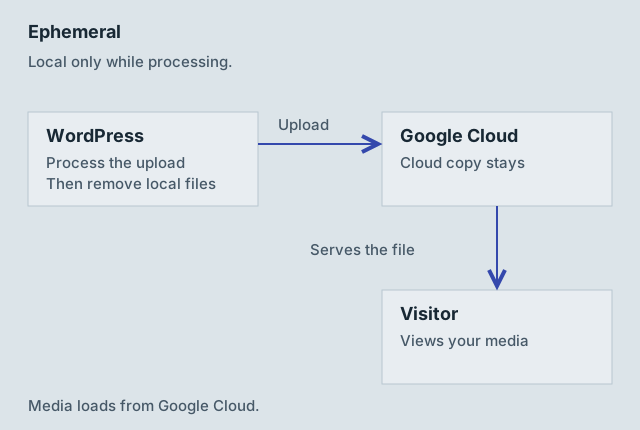
Ephemeral
Process uploads on your server, upload them to Google Cloud, then remove the local copies. The wizard’s default.
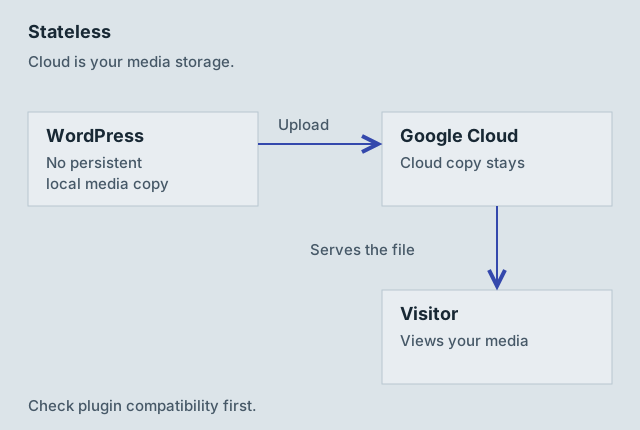
Stateless
Store and serve media in Google Cloud without retaining local uploads. Check compatibility with your themes and plugins.
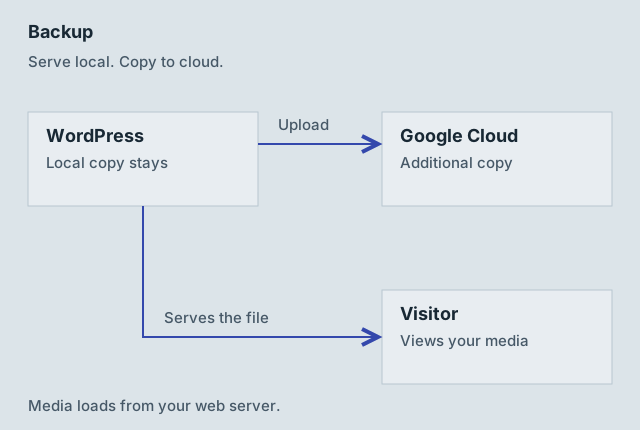
Backup
Continue serving media from WordPress and save an additional copy in Google Cloud. This does not back up your database or entire website.
Follow the file.
The arrow to the visitor shows which system serves the media. Your WordPress pages still run on your existing host in every mode.
Before changing modes
- Back up your site and test a representative image, video, PDF, and any plugin-generated files.
- A mode change controls subsequent behavior; it does not automatically migrate every old file. Use synchronization for existing attachments.
- Check plugins that expect local filesystem paths before removing local copies.
- Cloud Storage is not itself a configured edge CDN. The CDN mode name describes cloud serving; a custom HTTPS domain or edge cache needs separate infrastructure.
- To return to local serving, ensure the local files exist before disabling cloud delivery.